Upload your photo
Provide a photo to begin a gentle restoration.
Upload your photo
Generation can take some time. You can wait here or check History later.
Restore memories
Give old photos a clearer tomorrow. Repair scratches, restore faded details, and add natural color to treasured black-and-white family photos.
Provide a photo to begin a gentle restoration.
Generation can take some time. You can wait here or check History later.
Drag the slider to compare before and after.
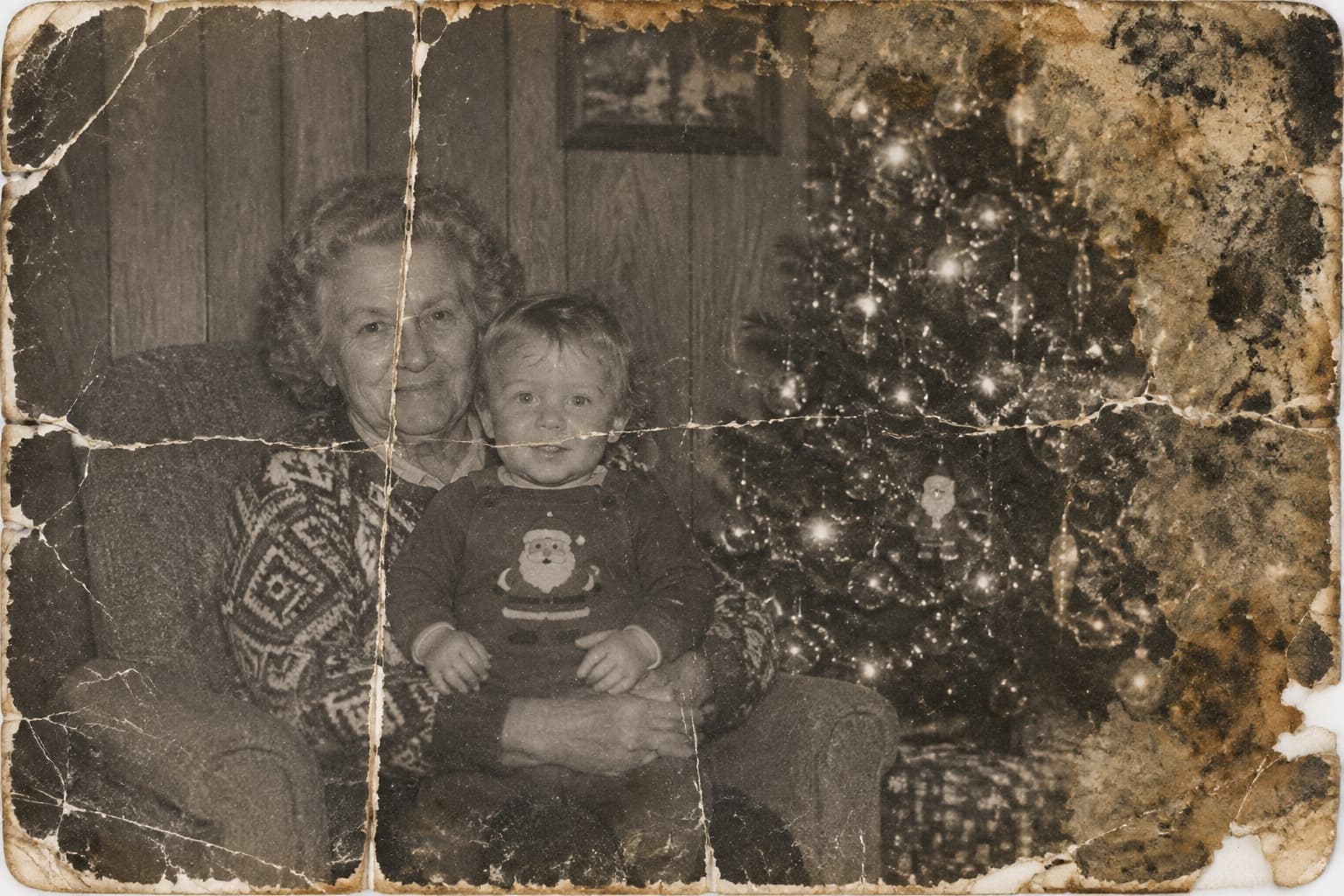
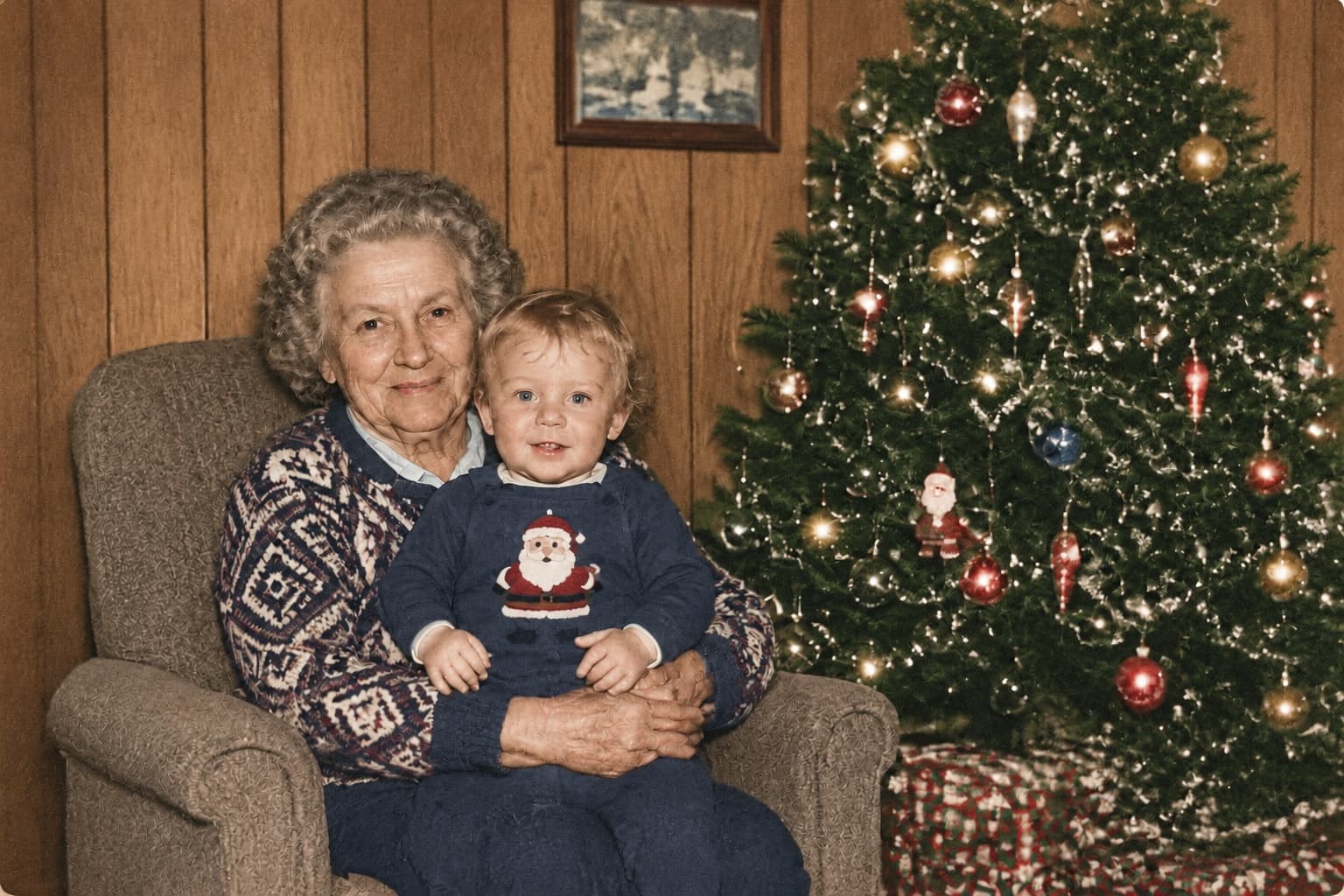
RestoreOldPhoto.ai restores old photos by repairing scratches, fading, blur, and damage, with optional colorization for black-and-white images.
Choose or drag in one old photo.
Select quick or HD restoration, then decide whether to colorize.
Compare before and after, then download the high-resolution result.
From visible damage to faded detail, bring the character of an old photograph back into focus.
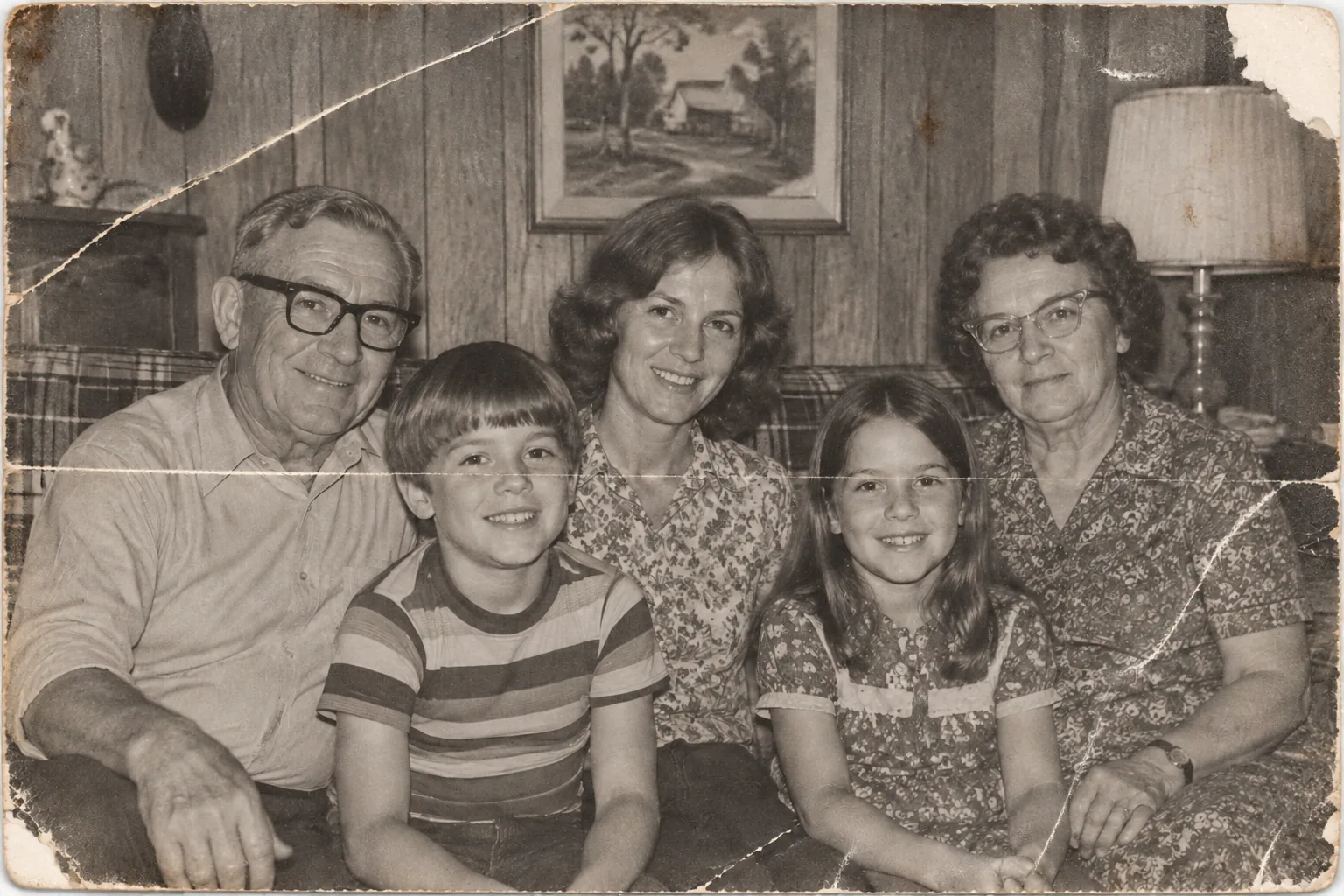
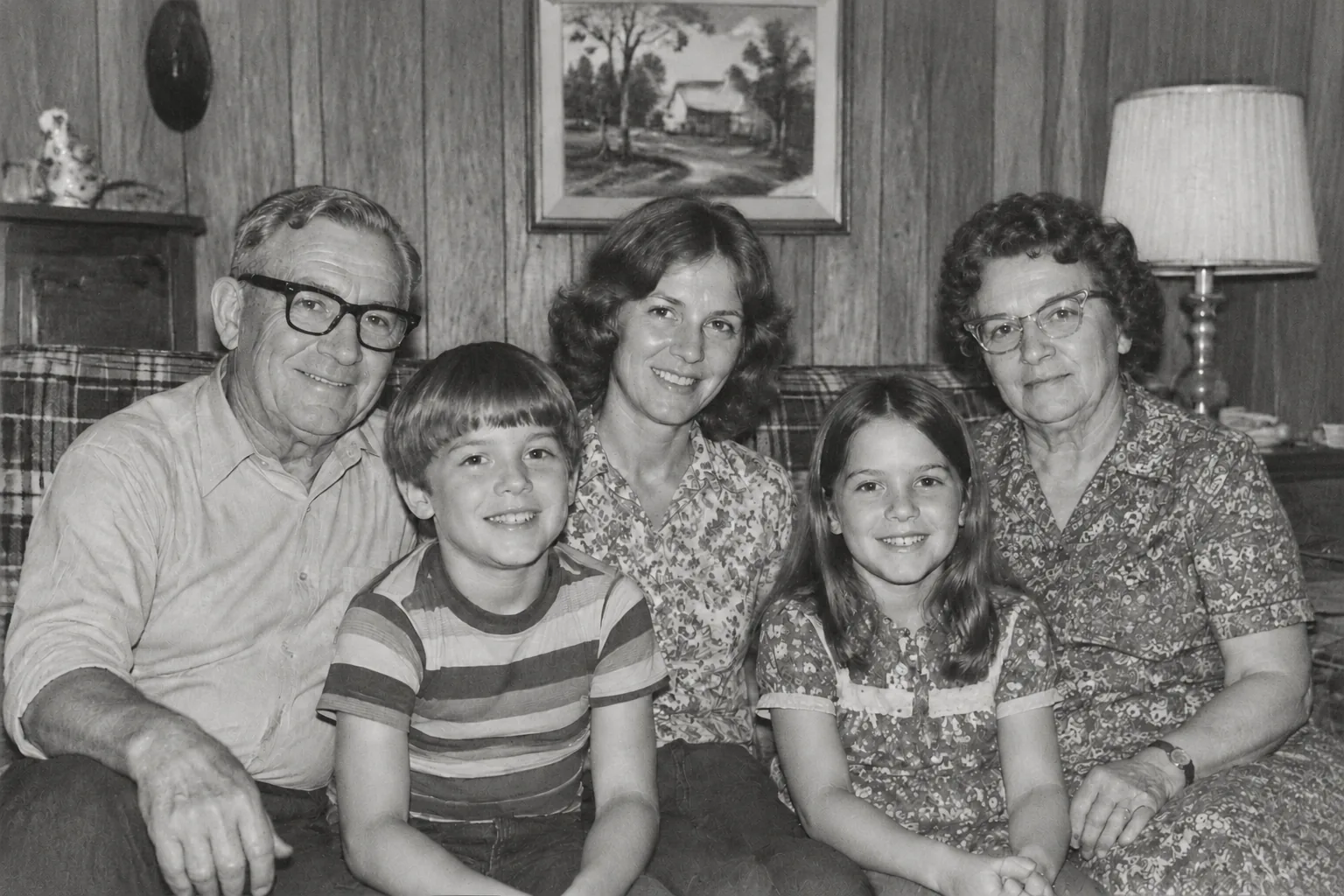
01
Repair the marks that interrupt a meaningful moment while keeping the original framing and texture.
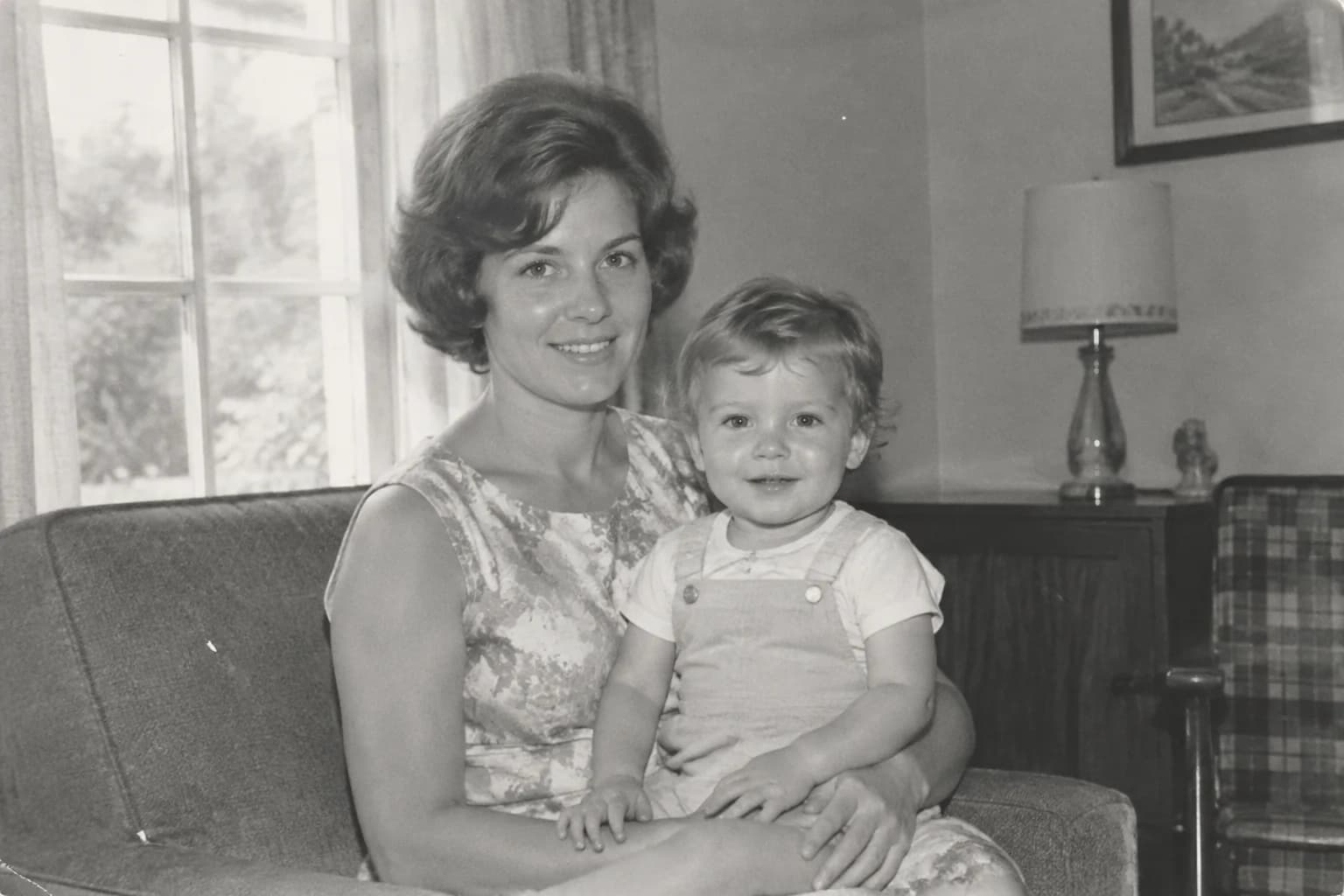
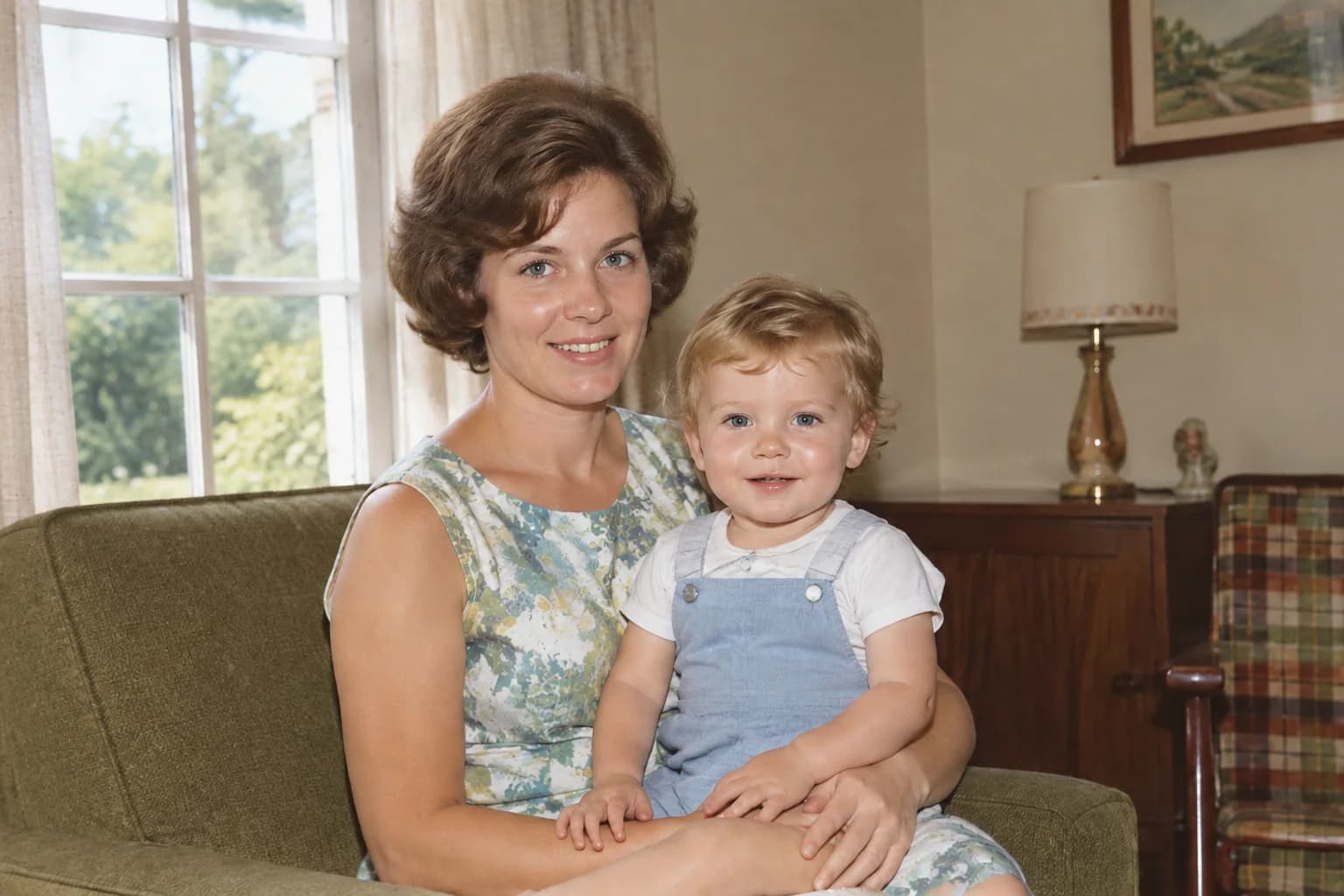
02
Add restrained, period-aware color that follows the light and mood already present in the photograph.
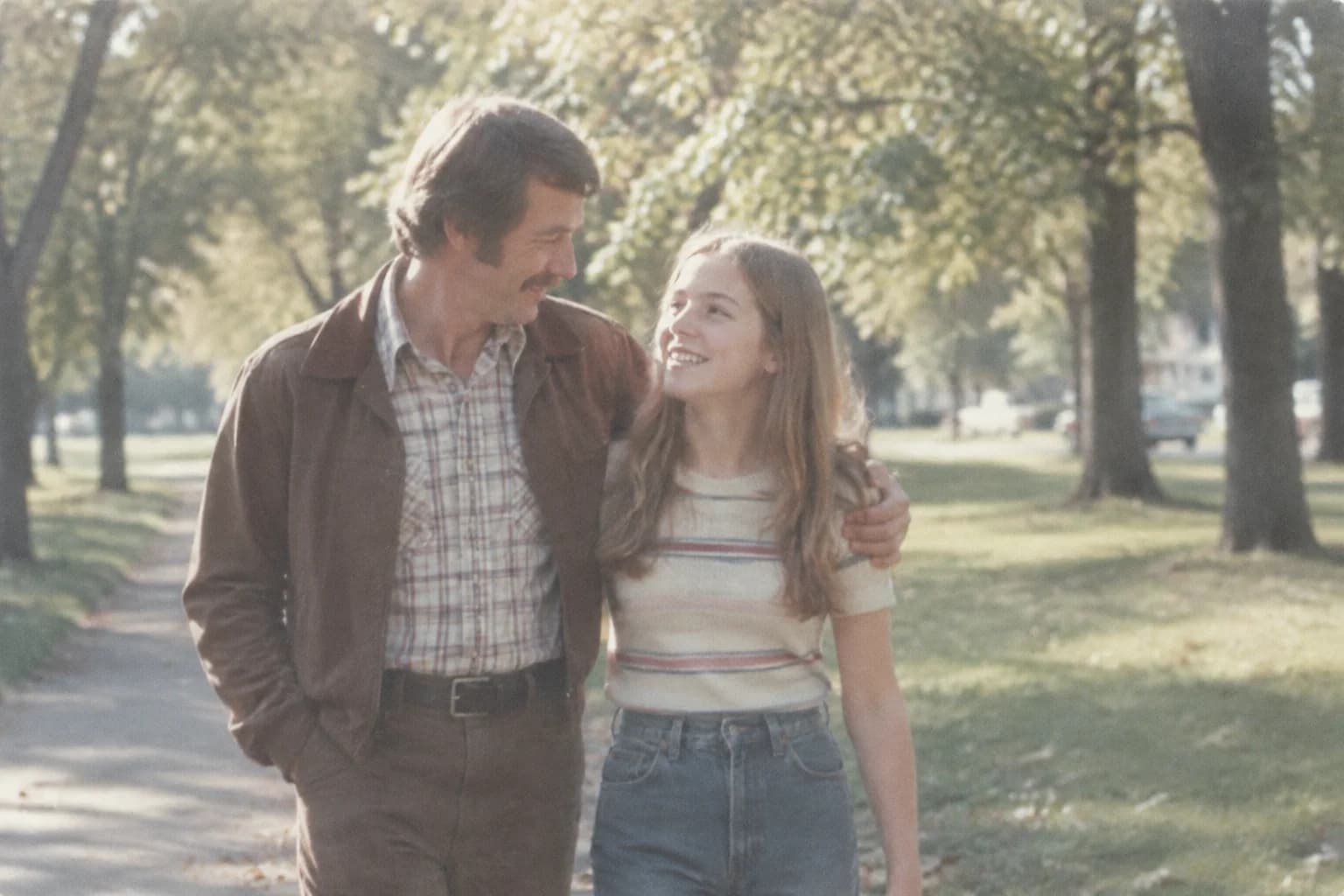
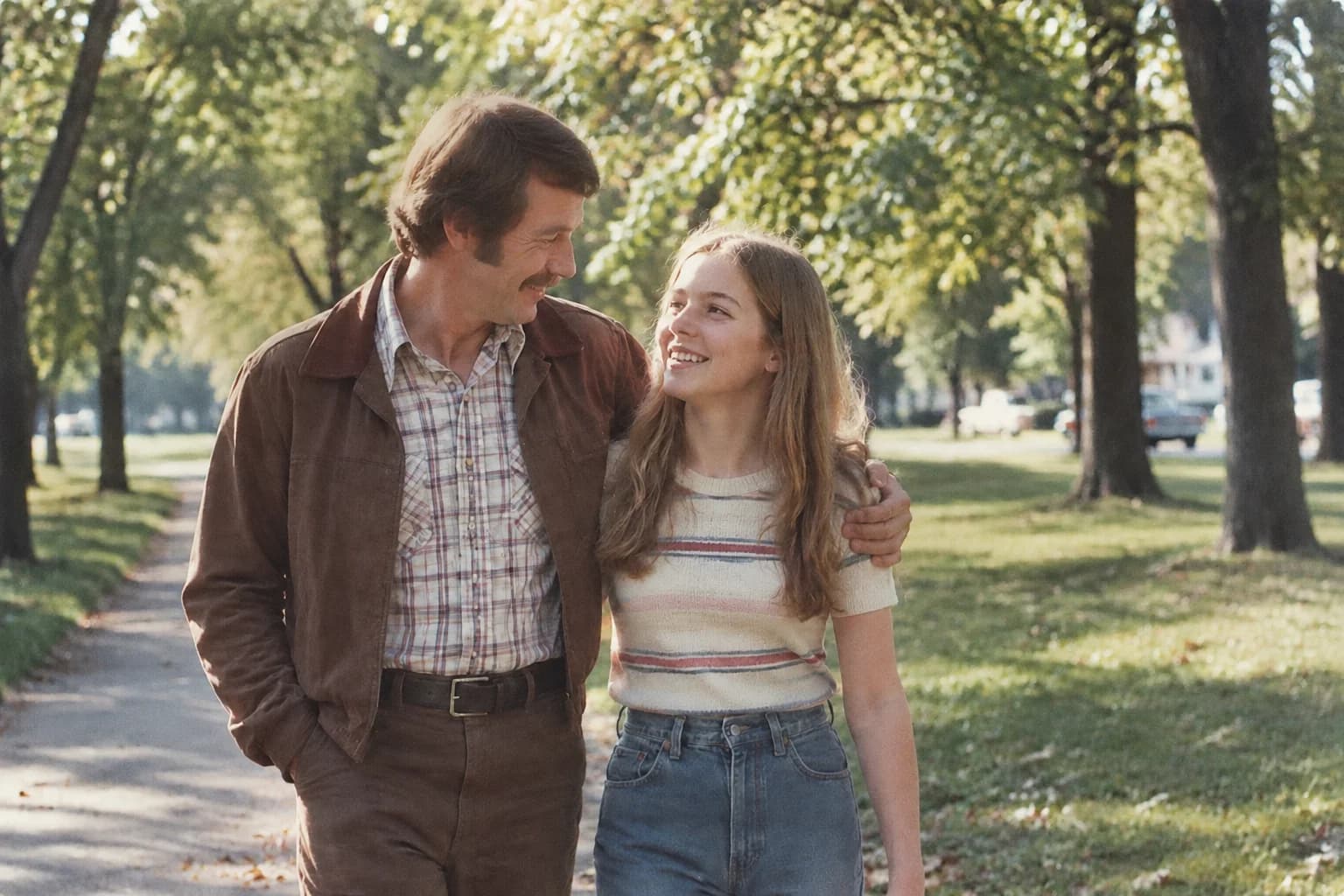
03
Make an important face or garment easier to see without turning the photograph into a plastic-looking image.
Scratches, creases, fading, damage, and blur often appear in the same old photo. Our AI photo restoration brings these problems into one complete workflow while keeping people, details, and period character in view.
| What matters | Our AI photo restoration | Basic enlargers or filters |
|---|---|---|
| Restoration scope | Handles scratches, creases, fading, local damage, and blur in one pass | Mostly enlarges or applies a filter while the original damage remains |
| Faces and people | Enhances facial detail while keeping real features, expressions, and relationships | Over-sharp results can look plastic or distorted |
| Black-and-white color | Optional colorization that blends naturally into the scene | One-size-fits-all color can look oversaturated and flat |
| Old-photo character | Brings back detail while keeping grain, paper texture, and a sense of age | Over-smoothing removes the original photo texture |
| Workflow | Upload, choose a restoration mode, compare before and after, and download HD without a watermark | Requires repeated switching and exporting across several tools |
Buy once, use as needed. Credits work for photo restoration and photo animation.
Restore a few treasured photos
$14.99
One-time purchase
35 credits
Keep your family memories alive
$24.99
One-time purchase
60 credits
Preserve more photos and moving memories
$49.99
One-time purchase
130 credits
Applicable taxes are calculated at checkout.
Clear answers about AI photo restoration, supported images, credits, downloads, and privacy.
It can repair scratches, creases, stains, fading, and light damage while enhancing people, clothing, and background details. It is a good fit for family albums, portraits of grandparents, and old group photos.
The service enhances facial, clothing, and photo details so people are easier to recognize. The clearer the original scan or photo, the more information can be recovered.
Restoration follows the original composition, outlines, poses, and lighting while keeping a natural period texture instead of making the image look like an overly smooth modern portrait.
Yes. You can choose automatic colorization or keep the black-and-white look. Automatic colorization considers the people, surroundings, light, and period mood for soft, natural tones.
JPG, PNG, and WebP are supported up to 20 MB per image. Common ratios including 1:1, 3:2, and 2:3 are supported.
After restoration, you can view a before-and-after comparison and download a high-resolution, watermark-free result for saving, printing, or a family album.
The page shows the credit cost for your selected mode before you submit. Successful tasks use the actual task cost, failed tasks return the reserved credits, and viewing or downloading again does not charge extra.
Your original photo and generated result are kept for 14 days to protect your privacy, then automatically deleted.
Upload a treasured old photo, restore the traces of time, and download a high-resolution result without a watermark.
Restore an old photoIncrease image resolution by 2x or 4x, compare the enlarged result, and download a higher-resolution image. AI may refine small details, so review the result before using it.
Image upscaler