Unblur a photo
Reduce blur while keeping the original colors and subject natural.
Upload a blurry photo
Generation can take some time. You can wait here or check History later.
AI photo enhancer
Use an AI unblur tool and photo enhancer to turn a blur to clear image while preserving the original subject and colors. Fix blurry pictures and make a blurry picture clear online.
Reduce blur while keeping the original colors and subject natural.
Generation can take some time. You can wait here or check History later.
Drag the slider to compare the original and clearer result.
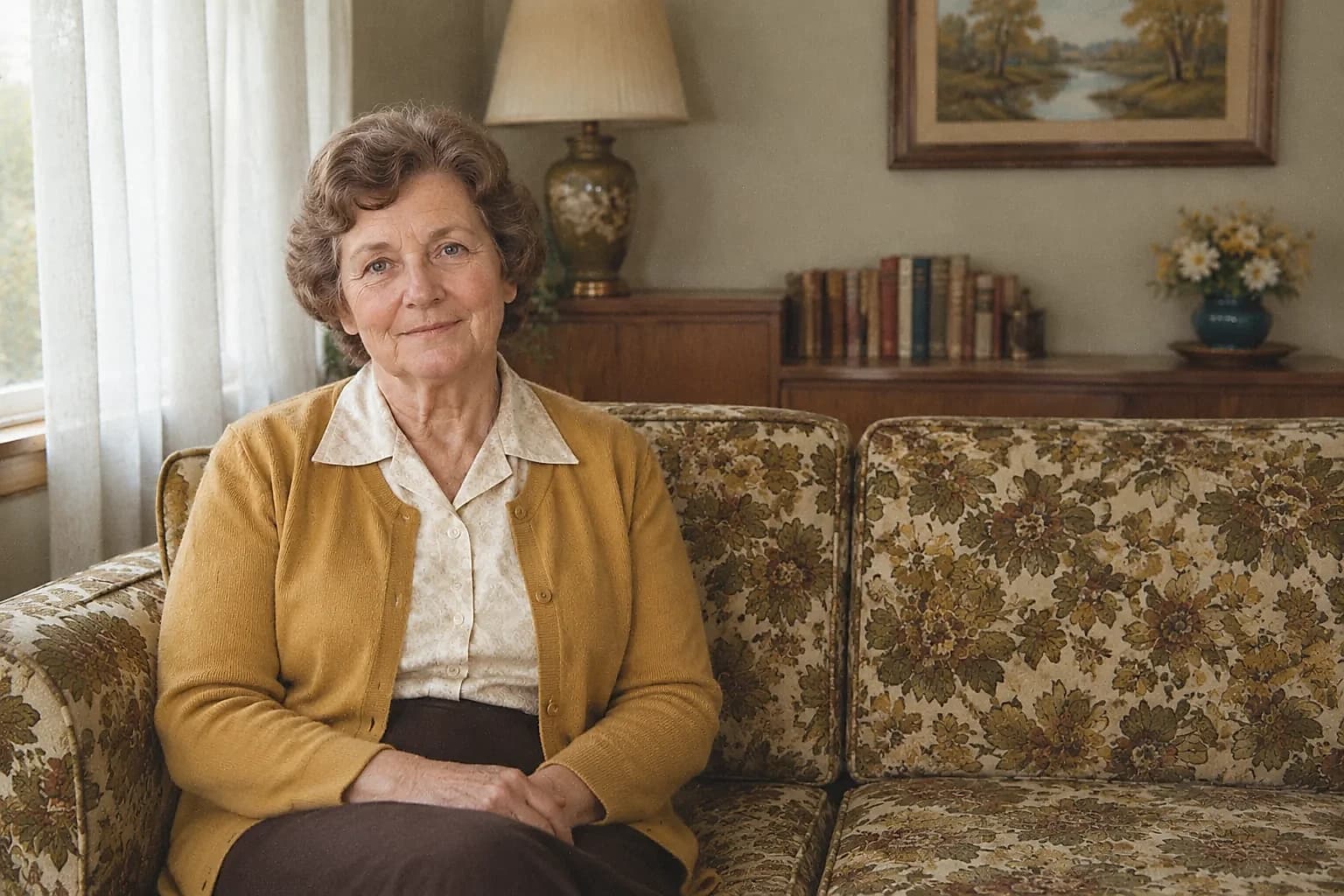
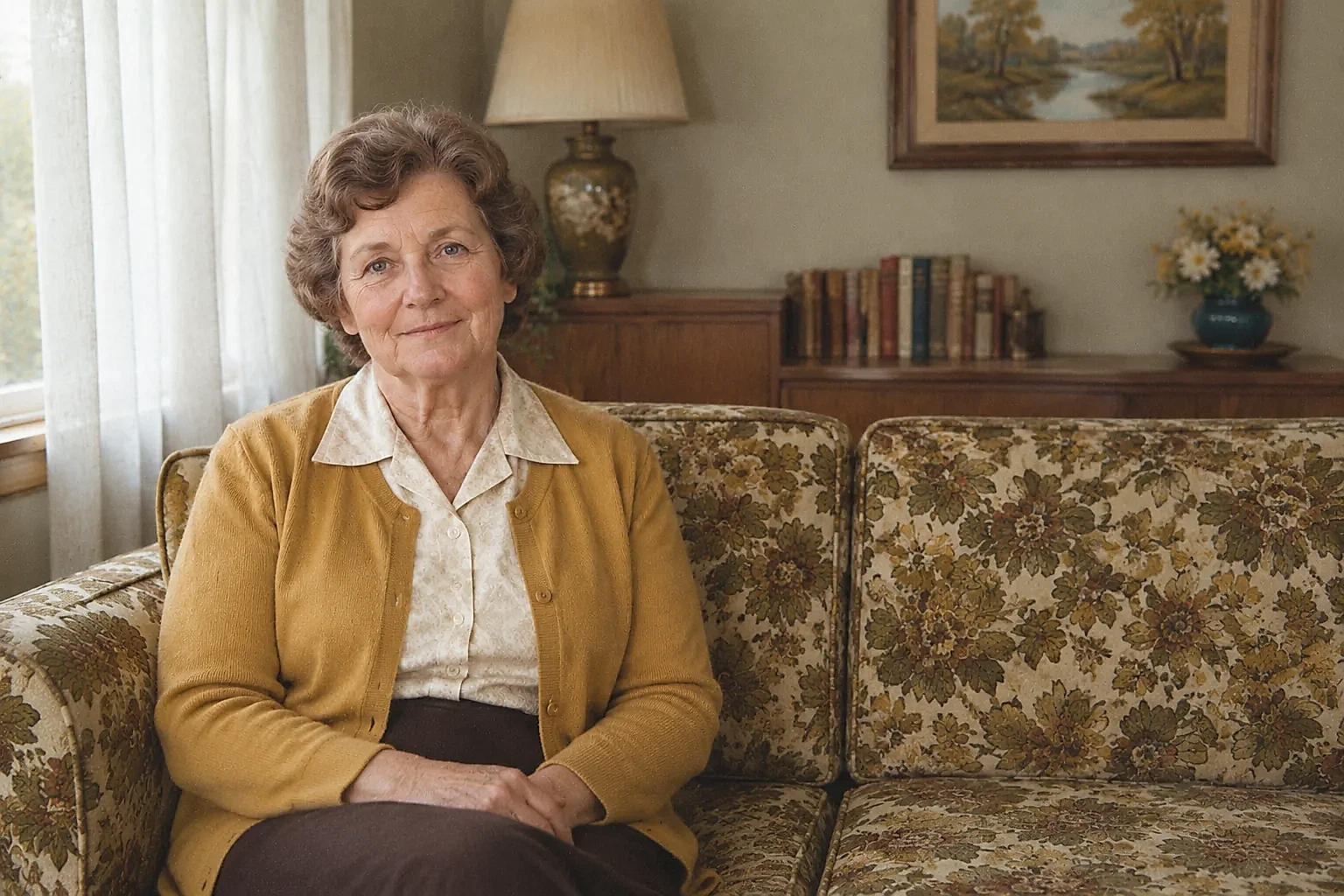
Upload the original file, choose the level of detail, then compare and download the result.
Use the original JPG, PNG, or WebP file when possible. Small images may have less recoverable detail.
Quick is useful for a fast preview; HD gives the image more time for detail enhancement.
Inspect faces, edges, and textures with the comparison slider before downloading.
Improve focus softness and local contrast without automatic colorization.
Target out-of-focus portraits, camera shake, and low-quality photos in one focused tool.
Compare the result with the original so you can decide whether the enhancement is suitable.
Answers about AI unblur, blurry photos, supported files, and result limits.
It reduces visible blur and enhances local detail while trying to preserve the original subject, colors, and composition. It cannot recover information that was never captured.
It can improve visible facial and clothing detail in a soft-focus portrait, but the result depends on the original image and should be compared with the source.
This page focuses on blur reduction and clarity. Image Upscaler focuses on 2x or 4x output dimensions, so choose it when you primarily need a larger file.
You can upload and review the workflow online. Processing uses the current account and credit rules shown before submission; it is not an unlimited free-use promise.
JPG, PNG, and WebP files up to 20 MB are accepted, with each edge limited by the upload service. Use the highest-quality original available.
Fine details may look different after enhancement. The original remains the best reference for faces, text, and other details that matter.