Upload an image
JPG, PNG or WebP · up to 10 MB
Supported formats: JPG, PNG and WebP.Source size: short edge at least 256 px, long edge up to 2048 px.
2x and 4x image resolution
Increase image resolution by 2x or 4x, compare the enlarged result, and download a higher-resolution image. AI may refine small details, so review the result before using it.
JPG, PNG or WebP · up to 10 MB
Drag the slider to inspect clarity and detail before downloading.
Upload an image to preview a 2x or 4x photo enhancer result.
See the original landscape beside an enlarged detail crop. Open the result to inspect how resolution and fine details look at 2x.
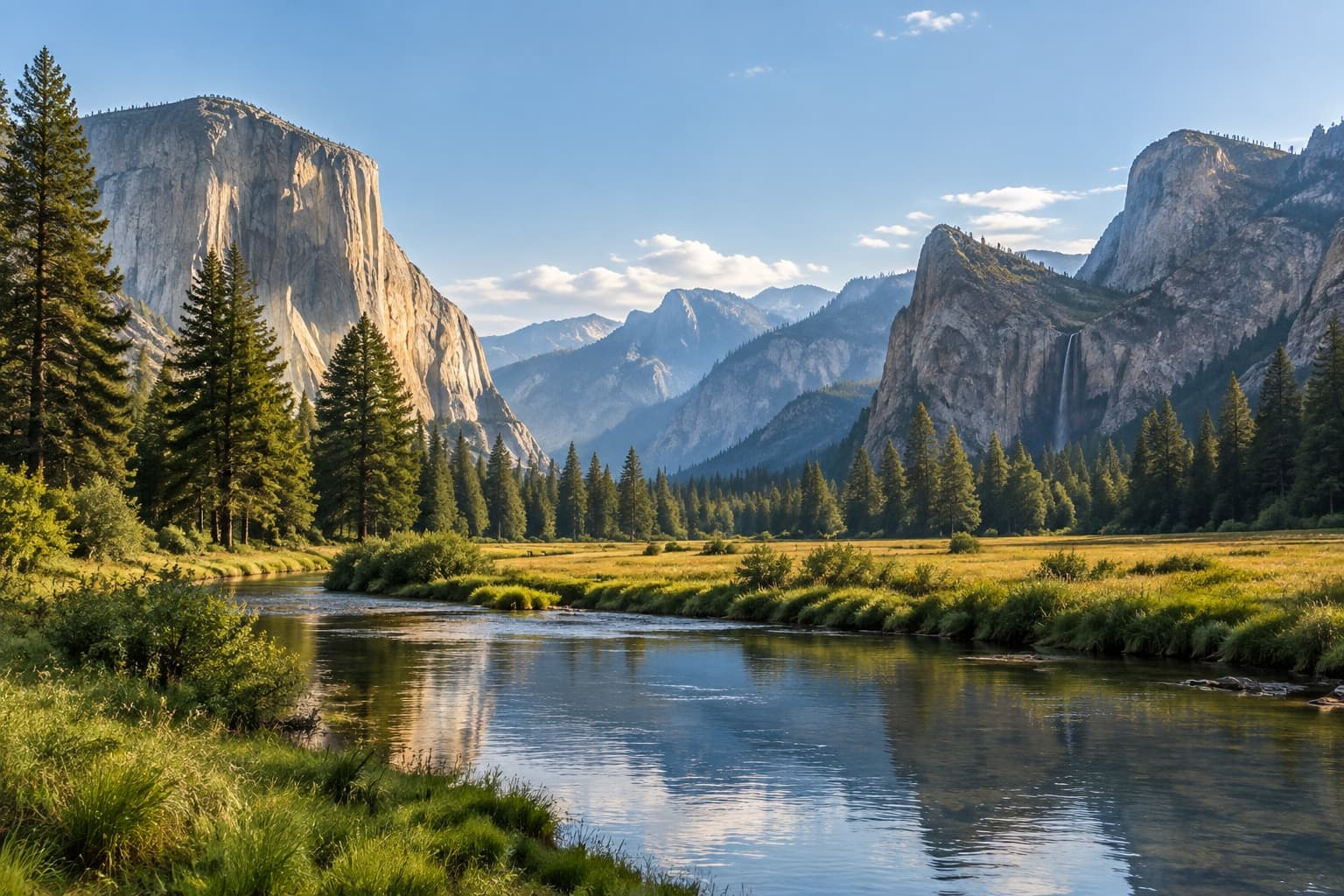
Choose the output size you need, then compare the higher-resolution image with your original.
Select a supported file and check its dimensions before enlargement.
Pick the enlargement factor that suits the size you need.
Review the enlarged details and download the result.
Learn how 2x and 4x enlargement, supported files, and AI detail enhancement work.
It creates a larger image with more pixels and can refine visible details. Generative AI may change small text or facial features, so review the result before use.
Choose 2x for a moderate increase in dimensions or 4x for a larger output. The source image must meet the limits shown on this page.
The tool accepts JPG, PNG, and WebP images up to 10 MB. The short edge must be at least 256 pixels and the long edge no more than 2048 pixels.
The output has more pixels, but AI can reinterpret fine details. Compare the result with the original before using it.