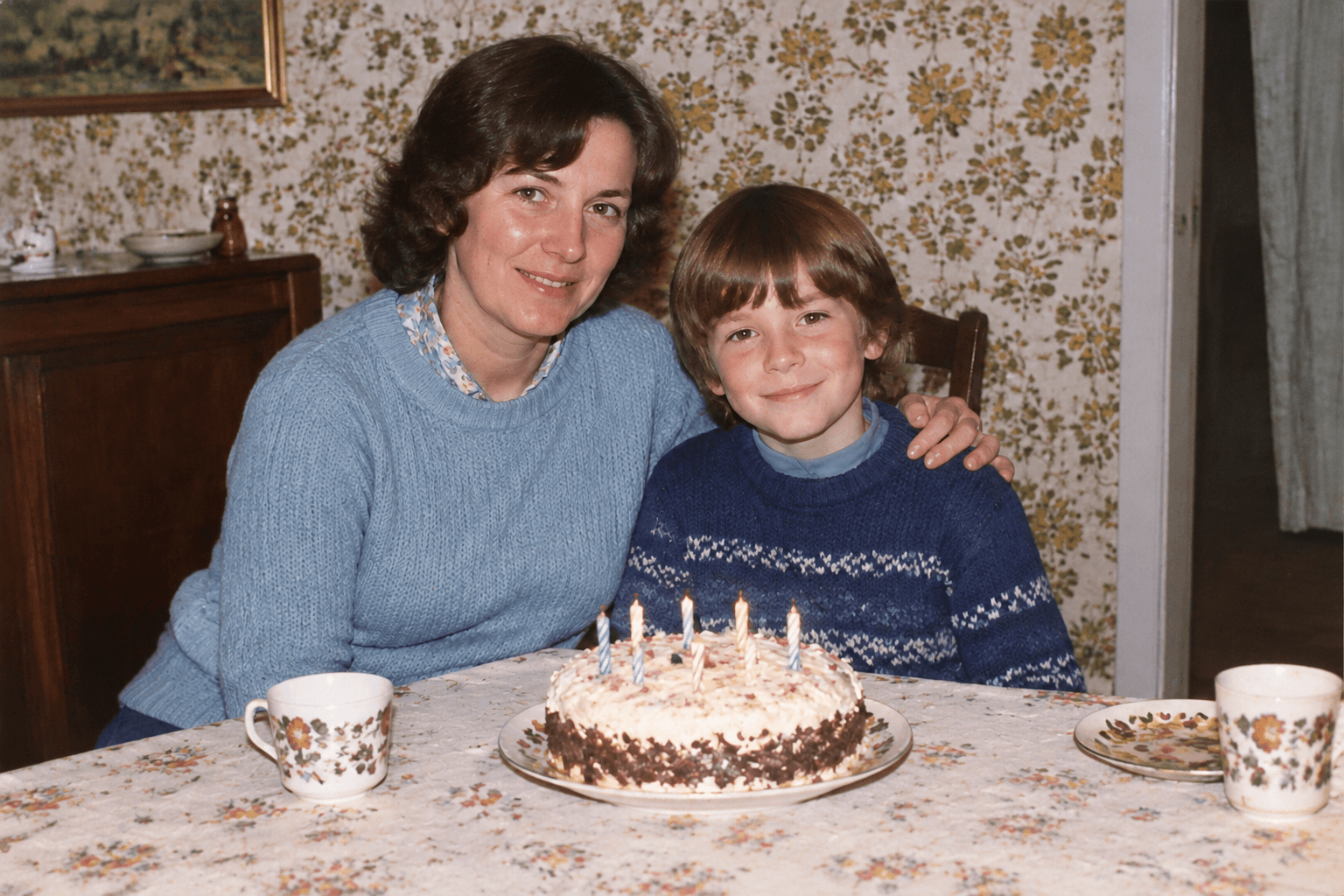
 Restored static photo
When we try to bring an old photo to life, the goal usually is not to recreate an actual historical video. It comes from a more personal wish: to see the loved ones in a photograph gently smile, nod, or wave at us one more time.
It is important to understand that an AI animation model estimates motion from the pixels in a static photo. The result is therefore a new visual creation. It can give a still image more expression and movement, but it does not prove that those actions really happened when the photo was taken.
If this is your first time animating a photo, remember one simple rule: the simpler the action, the more natural the result and the easier it is to evaluate.
Step 1: What Kind of Old Photo Is Best for Animation?
Not every photo is a good starting point for video generation. Photos that tend to produce easier-to-check animation results usually have these qualities:
- A clear subject: Facial features are intact, and the face is not heavily obscured by glare, deep shadows, or another object.
- Distinct limbs: The positions of the hands and body are easy to understand, without complicated overlapping poses.
- A clean background: The background is not severely damaged or filled with confusing lines.
- Limited overlap: Single-person half-body portraits are usually the easiest to process and review. Multi-person photos can work, but the more overlap there is, the smaller the requested movement should be.
Step 2: How to Write Precise Action Prompts
Writing a useful action prompt does not require elaborate language. Clearly answer three questions: Who is moving? What are they doing? What must remain unchanged?
Recommended prompt structure:
For your first attempts, assign only one core action. A simple smile, nod, wave, or gentle head turn is easier for an AI model to execute and easier for you to review than multiple interactions, a complex camera move, or a large pose change.
Pitfall Warning: Do Not Cram Too Many Actions into One Prompt
Here is a prompt that is very likely to produce an unstable result:
If the result looks warped or unnatural, it becomes difficult to tell which action caused the problem. A better approach is to break the idea into smaller steps: test one small movement, such as a smile, first. If that result looks natural, decide whether to add another variation in a later generation.
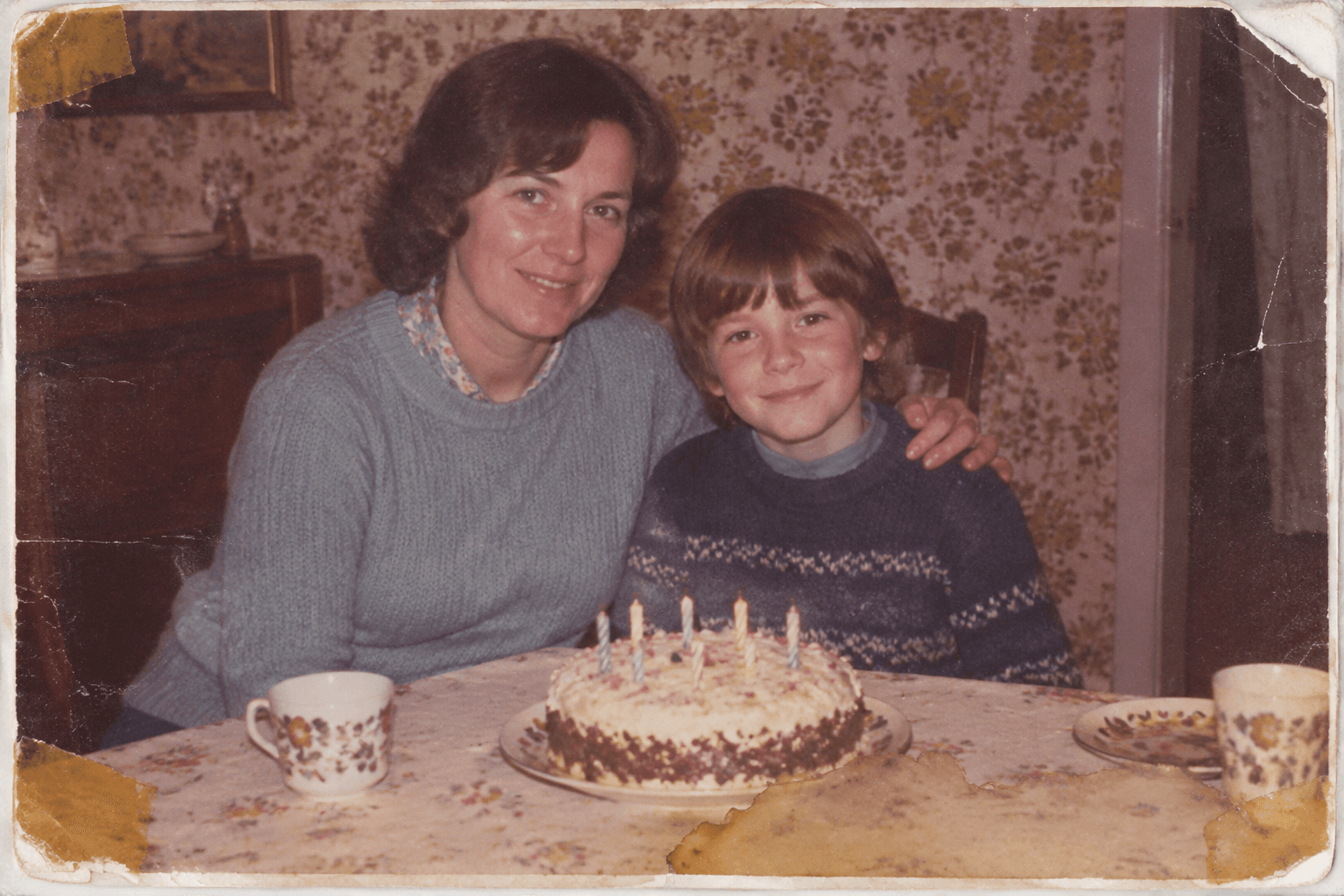 Input photo
Step 3: Check the Result in Two Passes
When you receive the generated video, do not save it immediately. Review it in this order.
First pass: Check the overall flow without pausing
- Is the movement smooth, or are there sudden twitches and dropped frames?
- Has the camera distance or perspective changed in an unnatural way?
- Are the spatial relationships between people and the environment stable?
- Does the overall emotional expression feel natural and warm?
Second pass: Pause and inspect the details
- Face: Did the face shape or eyes change during the movement? Video models often alter eye shapes when rendering a blink.
- Limbs and clothing: Is the number of fingers correct? Do clothing textures, glasses, or hats flicker or melt during motion?
- Background edges: Did movement create strange structures on walls, text, or the edges of the photo?
- Contact points: If multiple people are holding hands or touching shoulders, do those contact points stay stable?
Advanced Tip: How Should Restoration and Animation Work Together?
Static restoration and animation are two different steps. Restoration addresses damage such as scratches, fading, and missing facial detail so the photo is easier to see. Animation adds movement to a still image and creates a new visual interpretation.
If the photo is badly damaged, restore it first and then decide whether the restored image is suitable for animation. Use a before/after comparison to check the restored face before generating a video. A video that looks engaging does not prove that the restored facial features are accurate.
Frequently asked questions
How many actions should I put in one prompt?
For the first generation, use one primary action, such as a smile, and specify the elements that must stay unchanged, such as the face, clothing, and background. Once the single action looks natural, you can try combining movements.
Which photos should not start with large movements such as turning around or running?
Avoid large movements when the face is barely visible, people overlap heavily, key areas are missing, or the requested action requires information the photo does not contain. A shoulder-up portrait, for example, cannot provide enough information for a convincing dance. Start with a small expression such as a smile or blink.
If the animation looks unnatural, should I change the prompt or the photo first?
Check the original photo first. If it is too dark, highly reflective, or extremely blurry, the model cannot reliably track facial features and body joints. A clearer, better-lit photo is often more useful than repeatedly rewriting the prompt.
Did the person actually perform the movements shown in the animation?
No. The animation is an artistic estimate based on the pixels in a static image. It can create emotional value, but it cannot prove that the action happened in the past.